

Explore more directions
Generate and refine product concepts from text, images, material references, and the creative direction already held in Lifecycle.
AI powered fashion PLM
Turn prompts and references into product concepts, technical sketches, and visual content inside the same fashion product workflow.
Book a free demo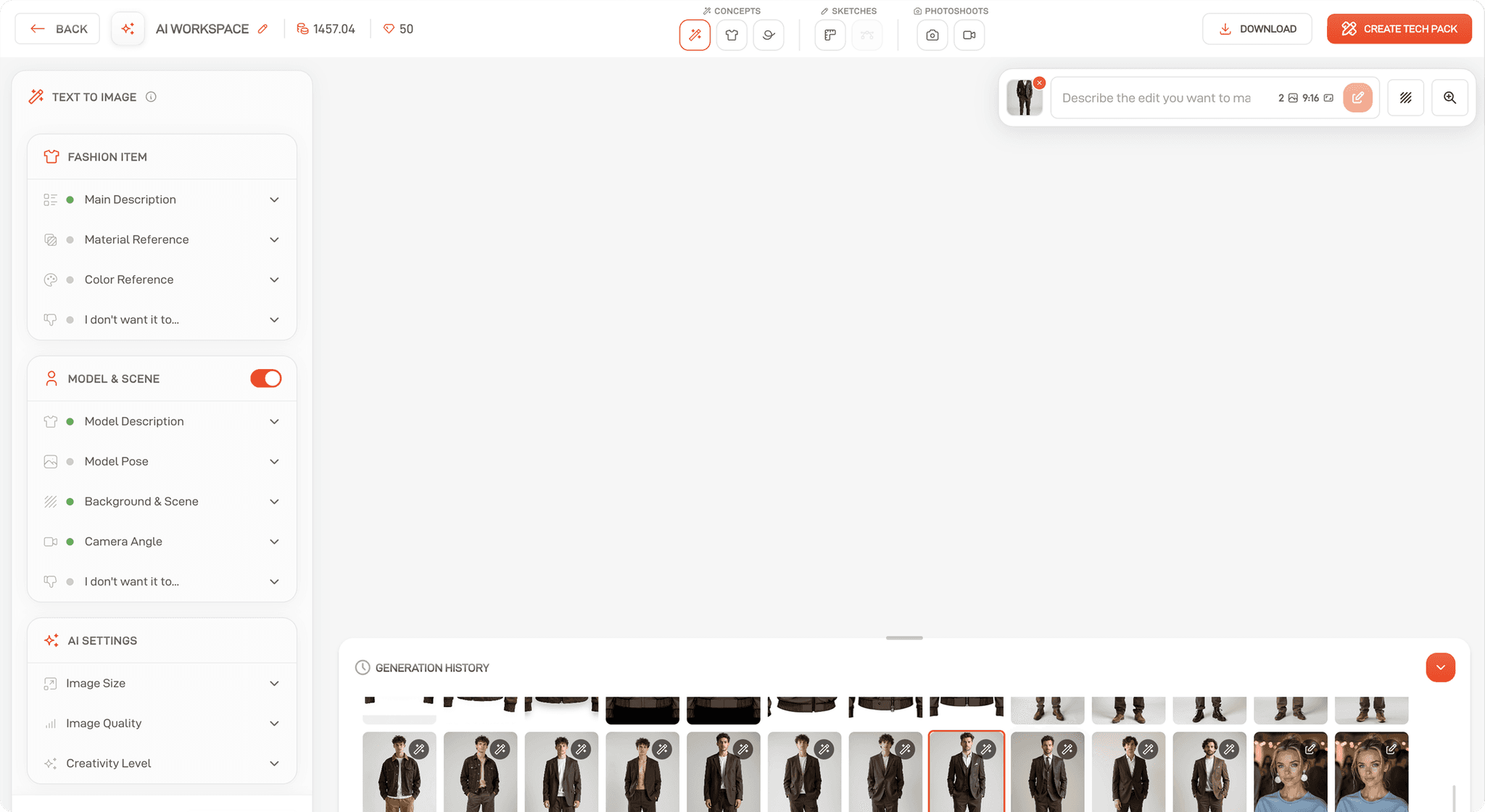
Generate and refine product concepts from text, images, material references, and the creative direction already held in Lifecycle.
Convert selected concepts into technical sketches and bring them into the product-development workflow without rebuilding the idea in another tool.
Develop product imagery, model scenes, alternative angles, and video concepts for review before committing to downstream production work.
Create
Generate entirely new designs with AI, as well as new materials, trims to autofill your bill of materials. Auto-fill measurement charts so you never have to start from scratch again.
Create new designs based on your own prompts. You can even use the Material Library to reference fabrics.
Turn any image into a technical sketch, ready for your tech packs in seconds.
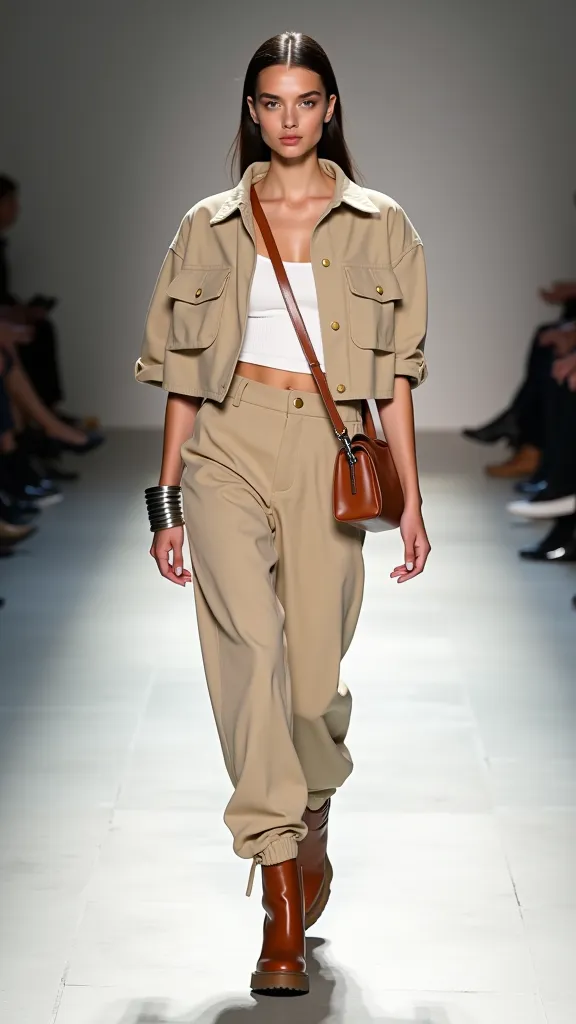
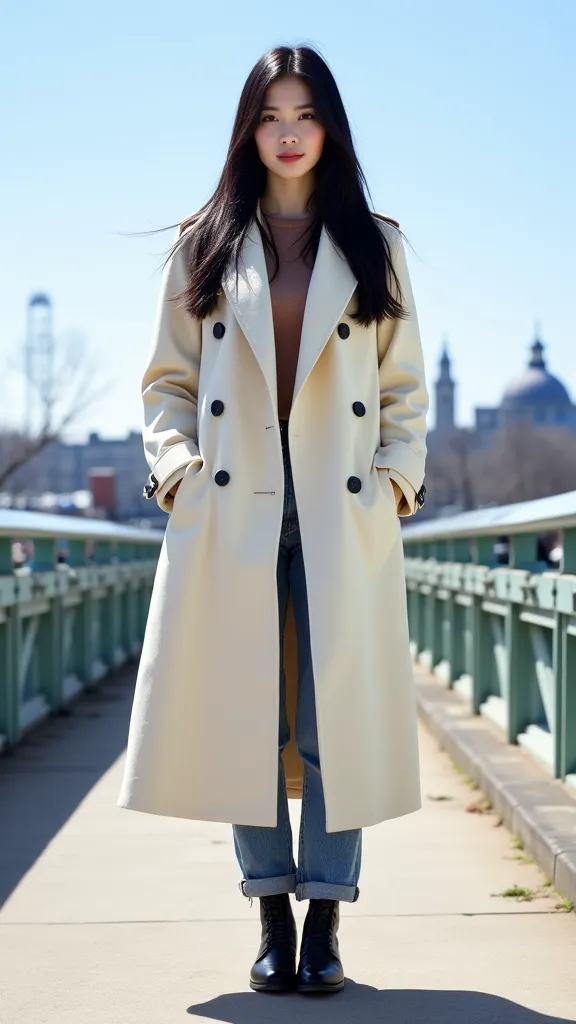
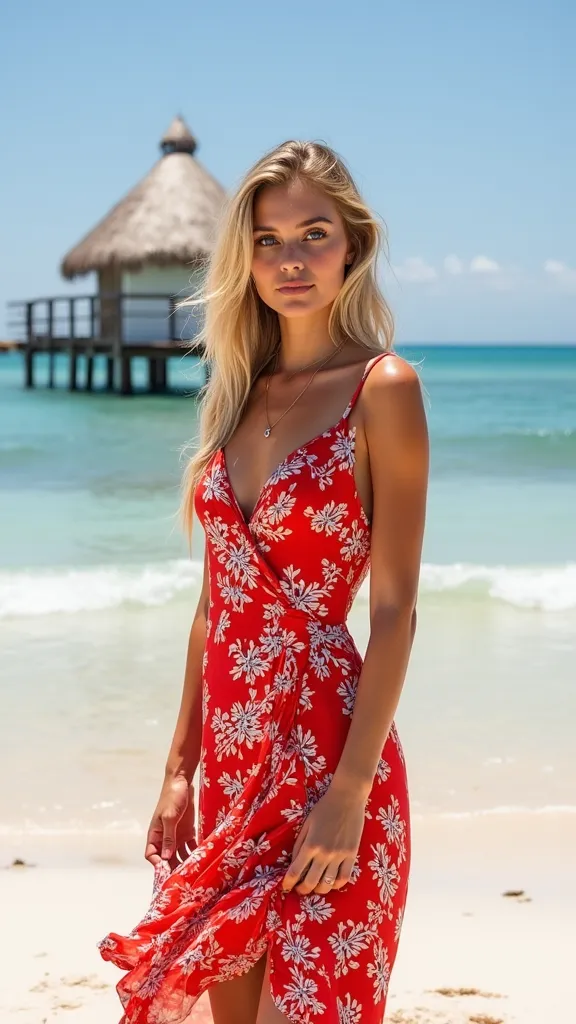
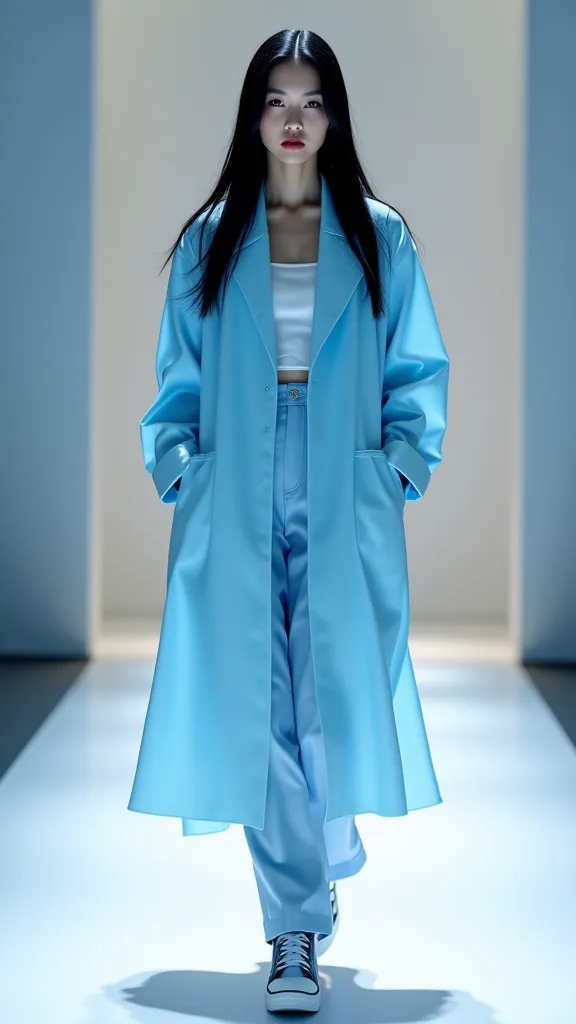
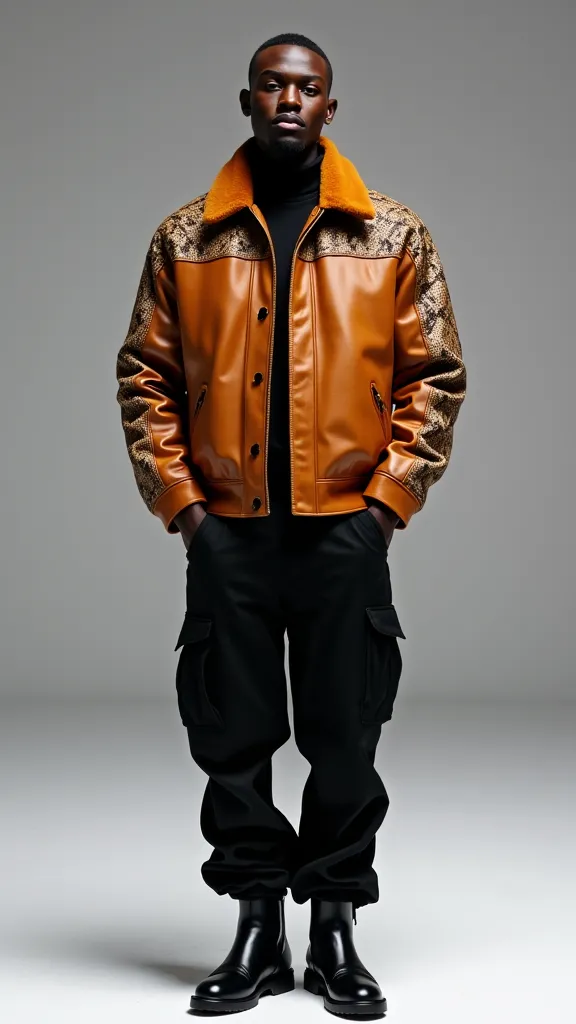
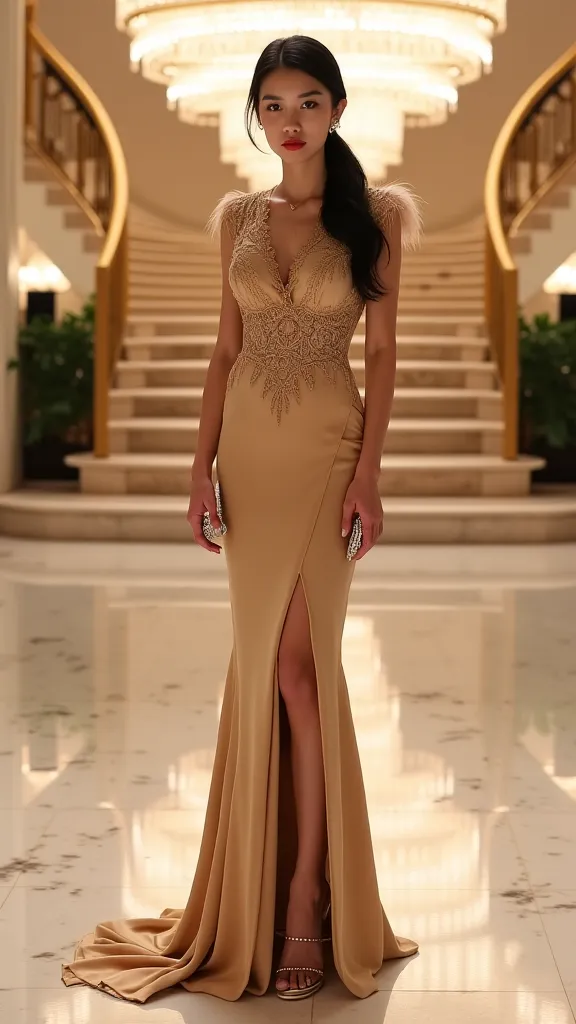
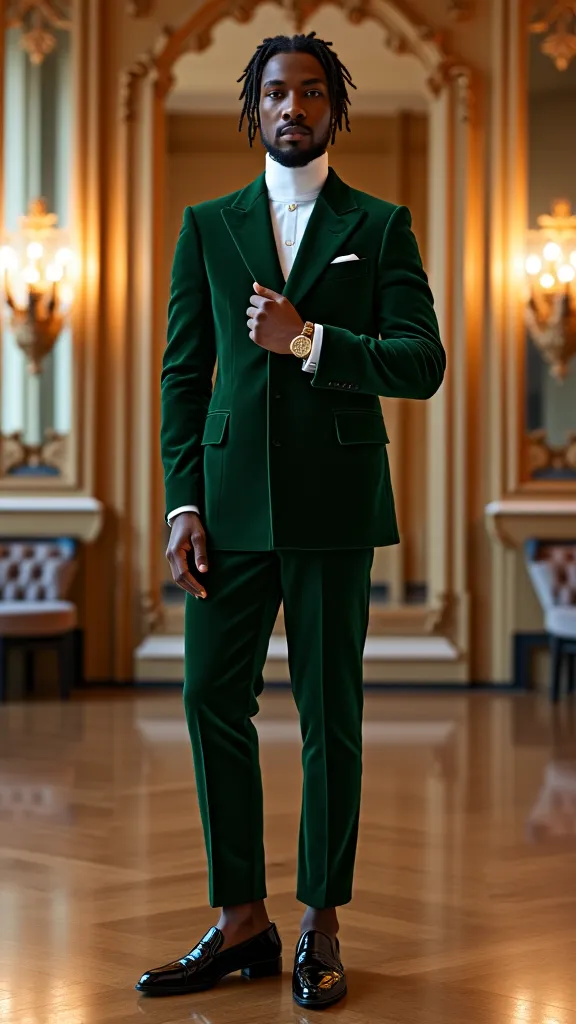
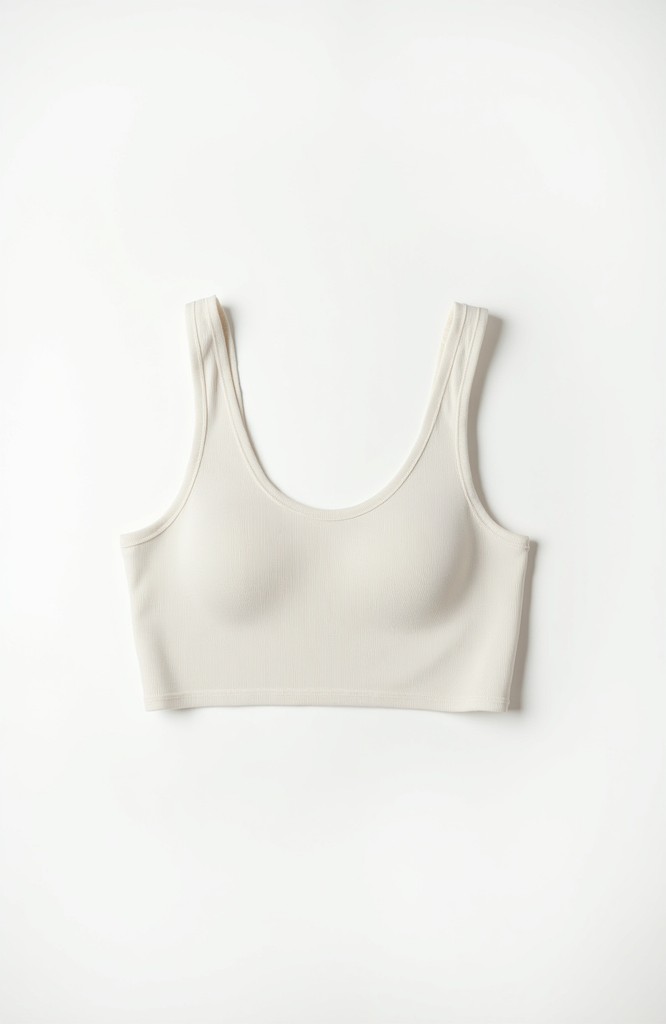
Generate models, garment flat lays or use your own images to create photoshoots.
Happy with your design? Instantly turn it into a video fit for your eCommerce store.
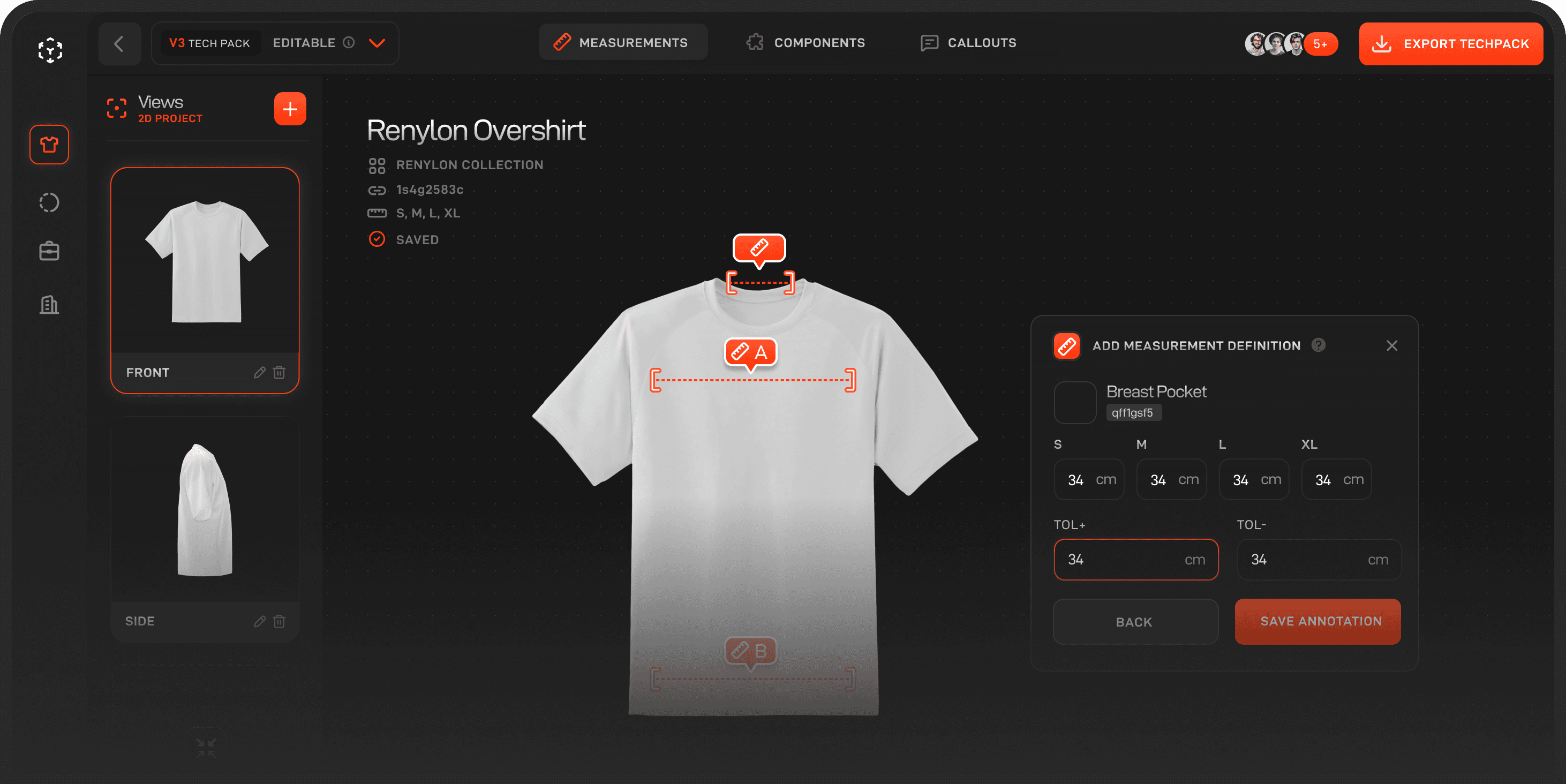
Generate a Sketch, instantly create a tech pack from it complete with size charts, descriptions and more.
Autofill tech pack data such as POMs and measurement charts.
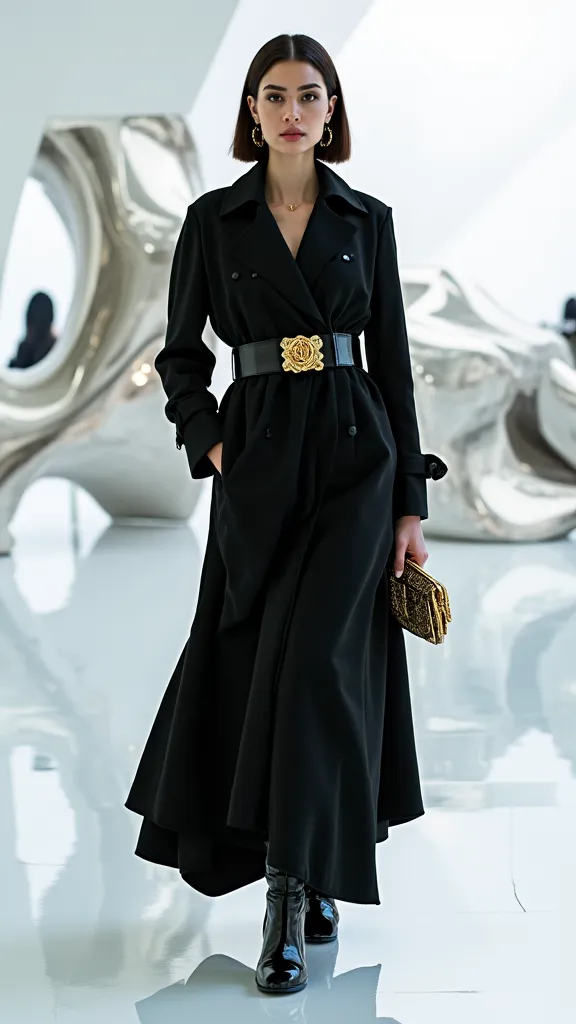
For fashion design and product teams
AI Studio supports concept development without separating creative output from the product record. Teams can explore, select, and continue developing an idea with clearer context for technical design and production.
Use prompts, uploaded references, colours, and material context to develop a more specific starting point for a style or collection.
Keep generated options together so designers and product managers can compare directions before advancing a concept.
Turn an approved concept into a technical sketch and move it toward specifications, measurements, and BOM work in Tech Pack Studio.
Use AI to accelerate creation and repetitive setup while design selection, product decisions, and approvals remain with the team.
From concept straight to tech pack
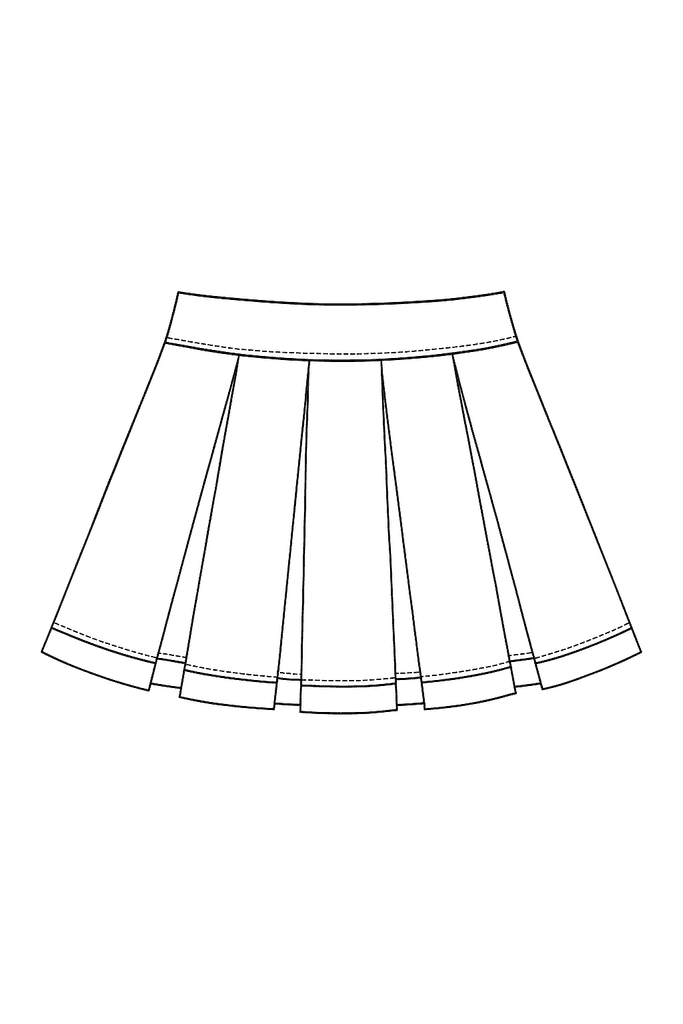
Once you've generated any product flatlay image with AI studio, you can immediately turn it into a technical sketch, ready to be imported into Tech Pack Studio straight away.
Book a demo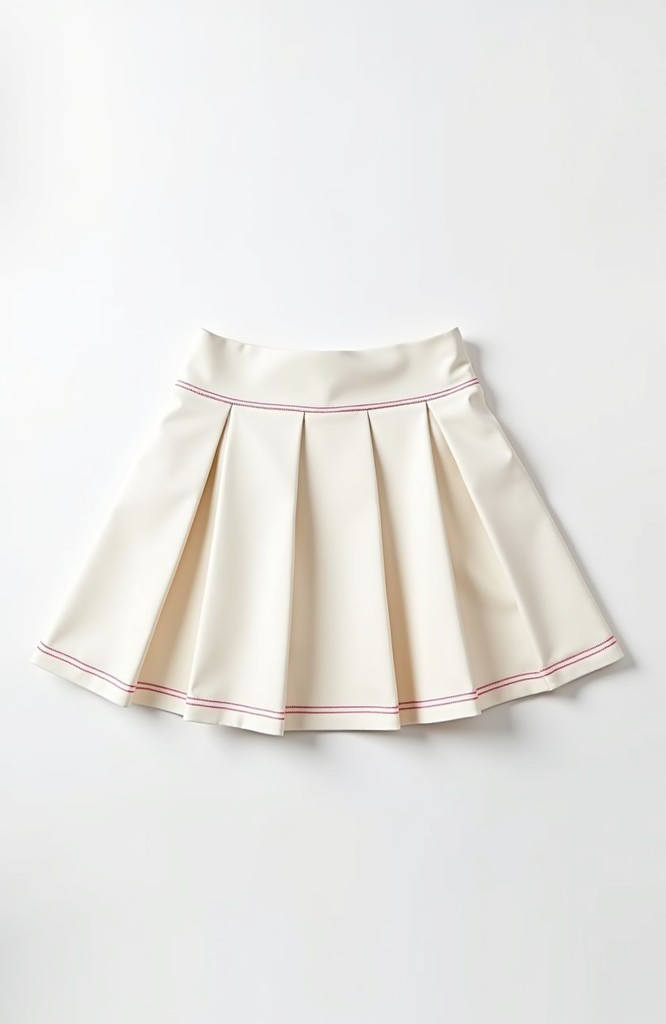
Bring your photoshoots to life
Take one of your AI generated concepts, or even photoshoots you already have and turn them to life with our AI video shoot feature.
Simply choose a starting image, video length and describe how you'd like the model to pose and watch your model spring into action.
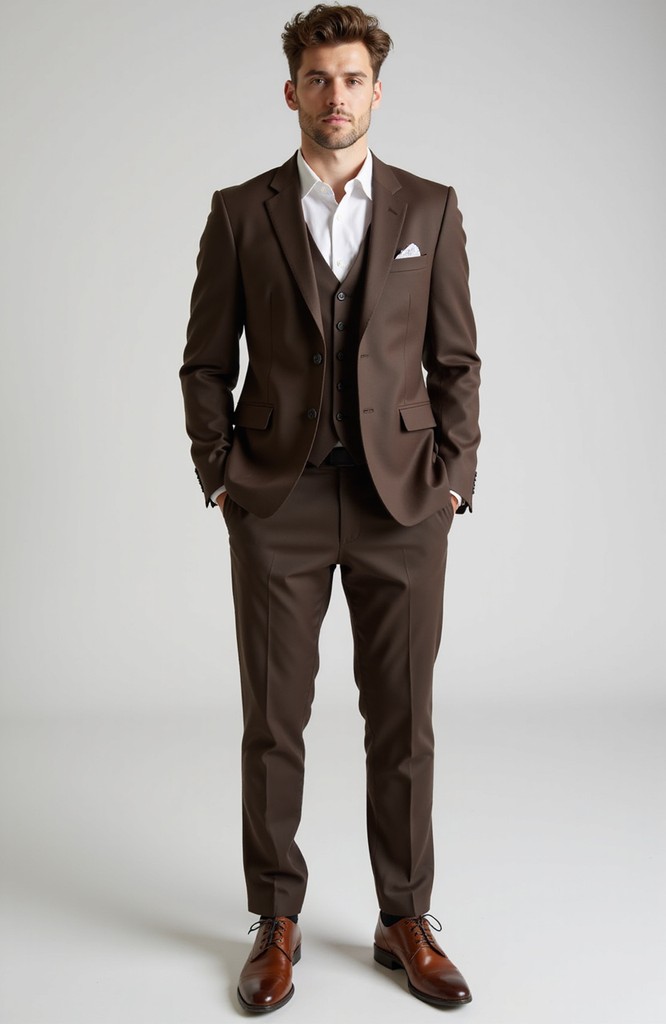
Access virtual try-on technology
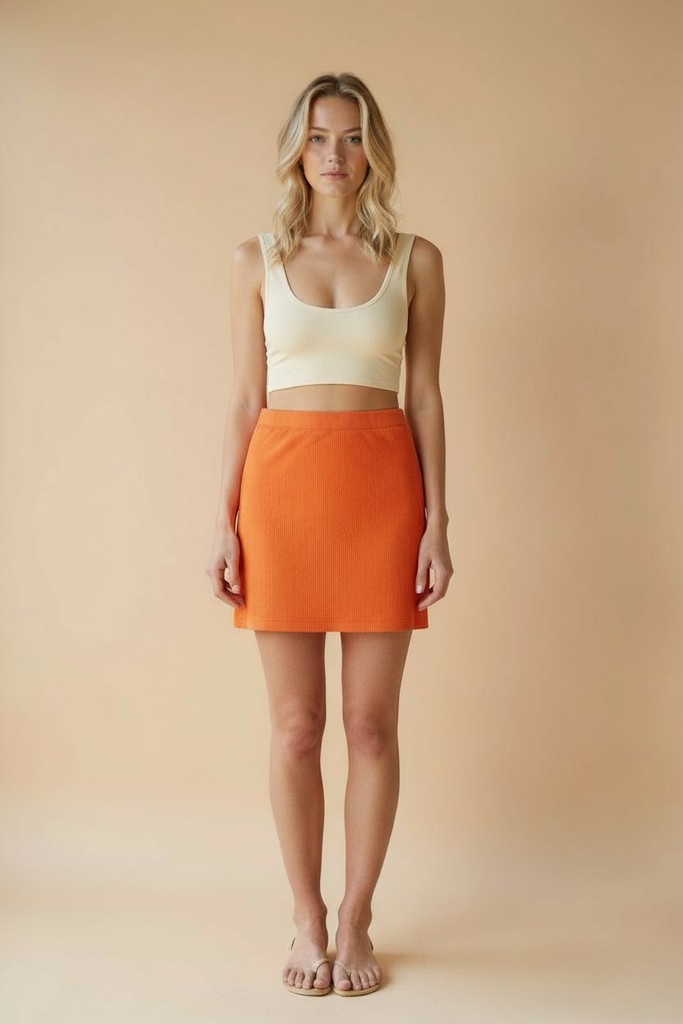
Combine any combination of garments or model images to create photoshoots with our virtual try-on technology. Change the model, background, scene, pose and location instantly and watch your creations form faster than ever.
Book a demo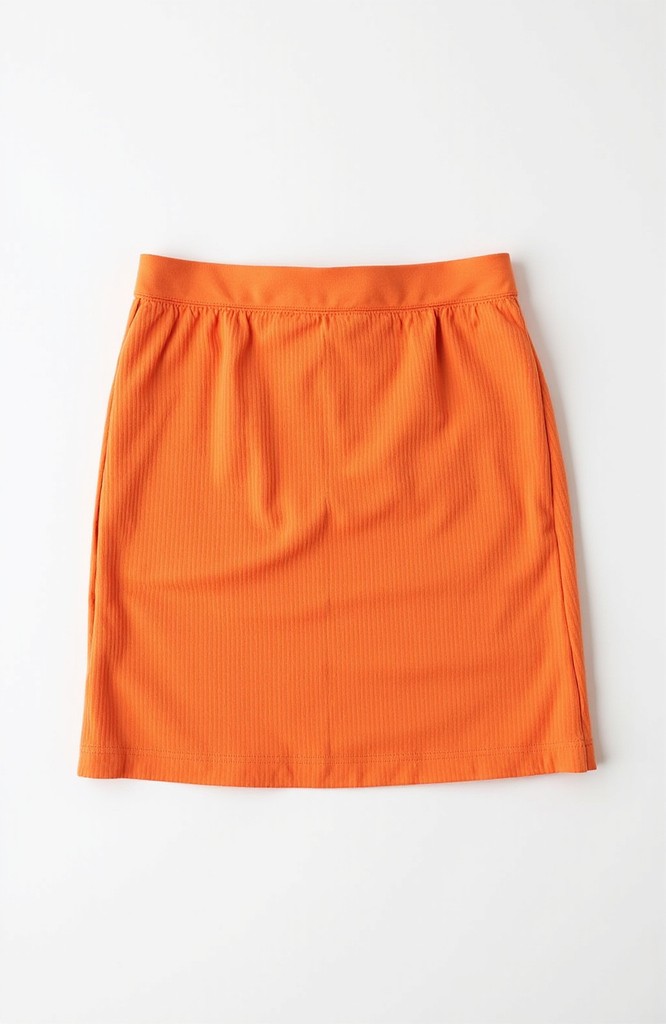
Capture every detail
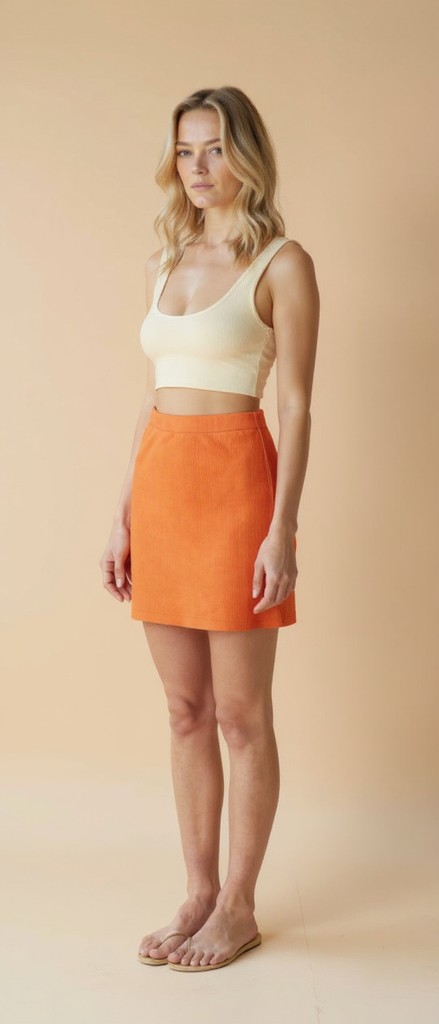
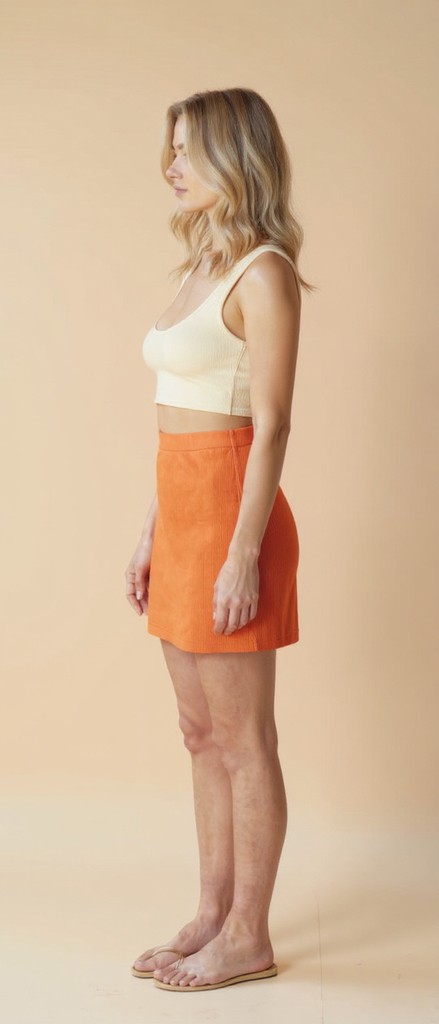
With Lifecycle's QuickEdit feature, you can simply type out the edits you want to make and generate them. "Show the model from a side profile", "Change the color of the skirt to a lighter tone of orange".
The versatility of the tool is perfect for eCommerce shoots and showing your products from all angles.
Buyer questions
Clear answers about where this workflow fits in Lifecycle.
Teams can generate and refine fashion concepts, technical sketches, product imagery, model scenes, alternative angles, and video concepts using prompts and visual references.












See how one connected fashion PLM can help your team move from first idea to approved product with more speed, clarity, and control.