

ERP integrations
Plugging Lifecycle into your ERP
Choose which product and purchase order data moves to your ERP and how much detail to include. Our team handles the connection and checks the data flow with you before it goes live.
LifecycleProduct development
 LifecycleProduct development
 Products Purchase orders
Your ERPThe fields and depth you choose
WHAT TO EXPECT
You decide what moves.
Agree the sync scope, BOM depth and direction for your setup. Lifecycle can send selected data to your ERP, support two-way sync when needed and build the connection while your team starts using Lifecycle.01
ERP INTEGRATION
Choose what syncs
Choose the product and purchase order fields to include. That can cover product details, variants, images, suppliers, line items, quantities, prices, dates and terms.Details and images
Colours, sizes and SKUs
BOM at your chosen depth
Supplier
Products, quantities and prices
Dates and terms
02
ERP INTEGRATION
Choose your BOM depth
Send the level of bill of materials detail your ERP needs: materials only; quantities and consumption for purchasing; or cost, fabric weight and composition as well.PRODUCTProduct record
BILL OF MATERIALSChoose the detail to sync
Fabric nameThe selected textile
Fabric weightWeight or GSM
Fabric costCost per chosen unit
03
ERP INTEGRATION
Our team handles the connection
Give us access to the ERP API and an outline of the setup. We connect the systems and review the data flow with you. Lifecycle can remain the source with one-direction sync, or we can support a two-way setup with your ERP partner or IT team.04
ERP INTEGRATION
Start with an existing connector
Cin7, ApparelMagic and Shopify work out of the box. For other ERPs, Lifecycle builds against the API. A new ERP integration usually takes one to two weeks.OUT OF THE BOX
Cin7ApparelMagicShopify
 Cin7
Cin7 ApparelMagic
 Shopify
BUILT INTO LIFECYCLE
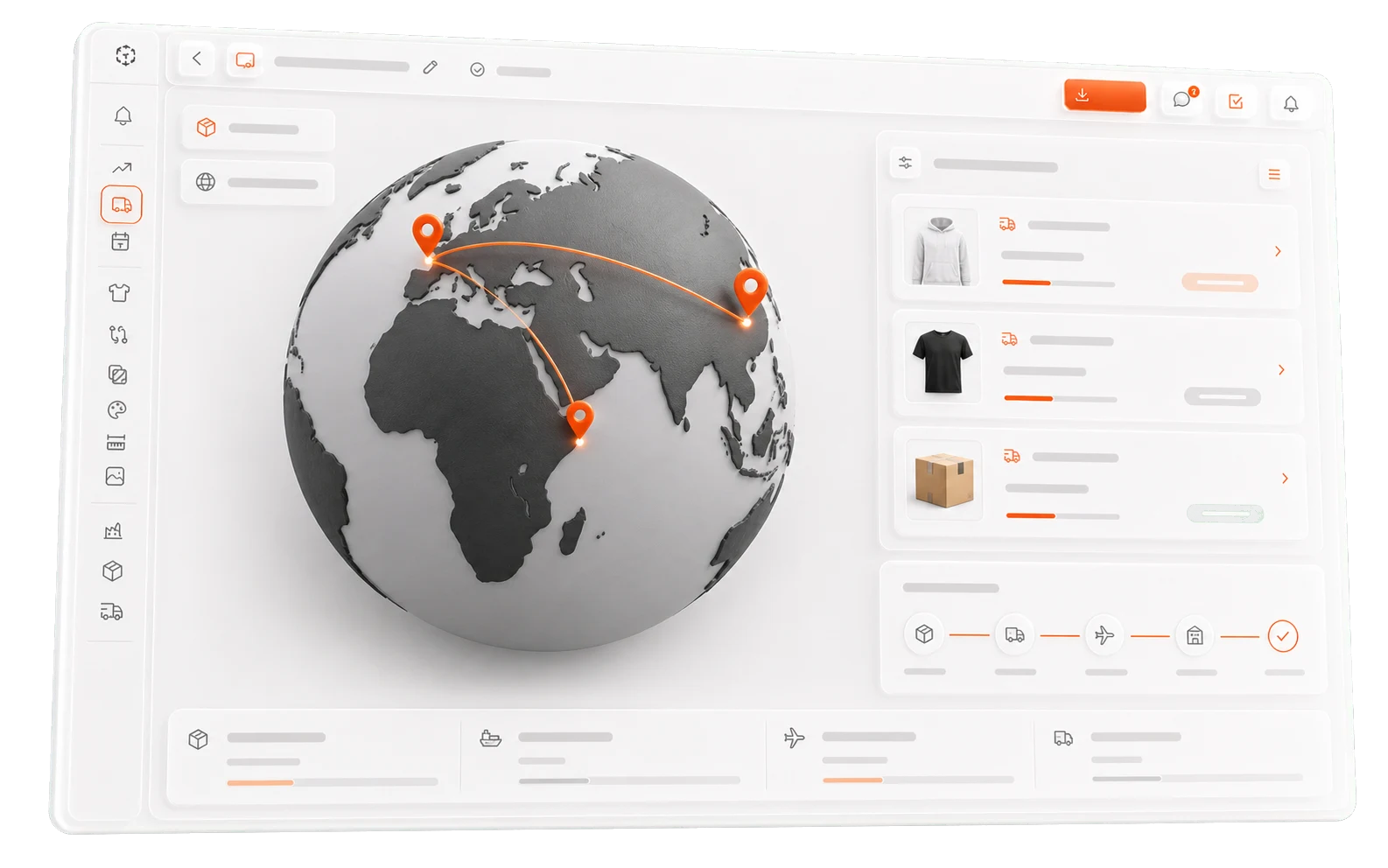
A lighter ERP alternative, without the separate bill.
If Lifecycle's built-in purchase orders and shipment tracking cover your team's needs, you may be able to avoid a separate ERP bill and the overhead that comes with it.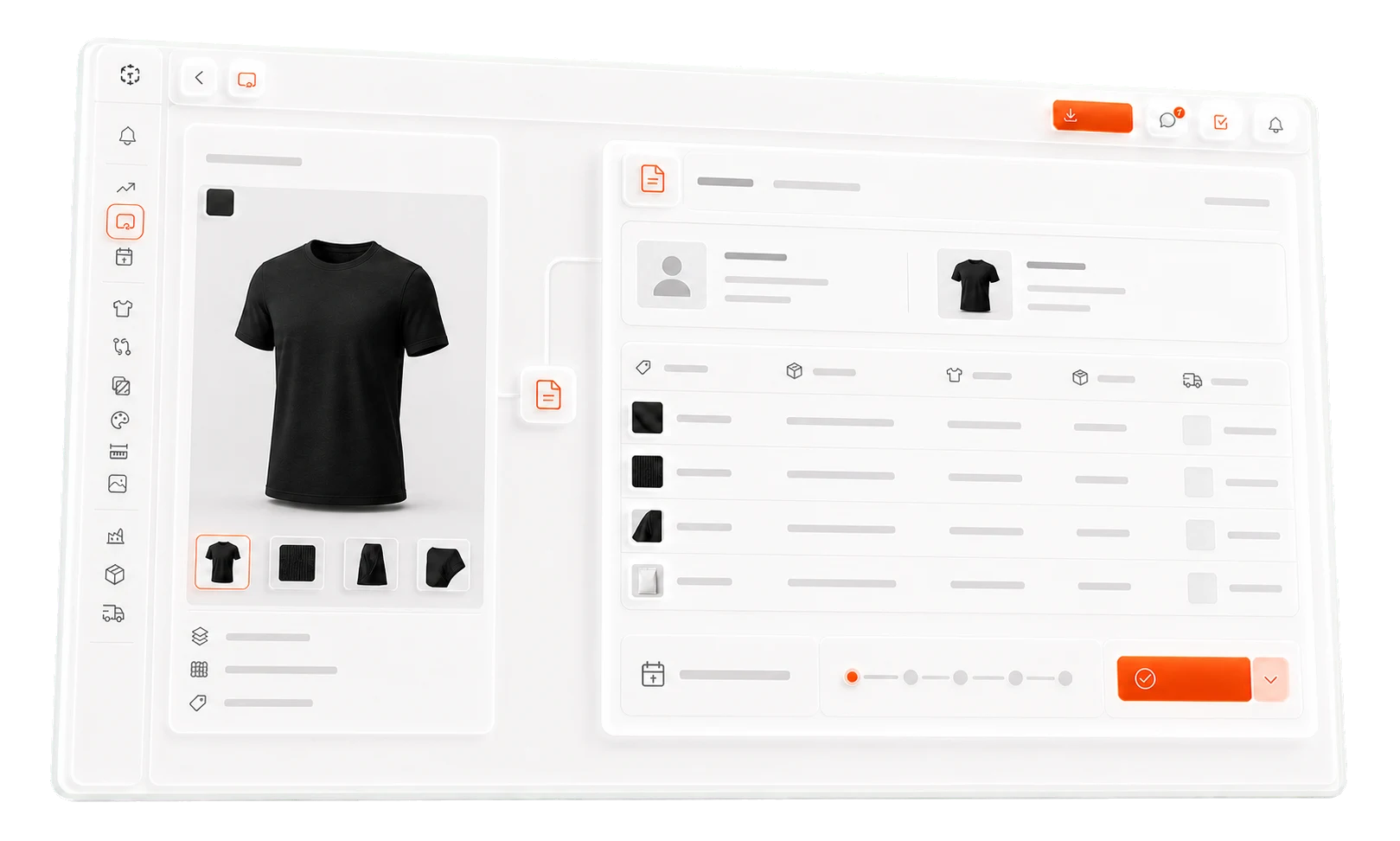
BUILD IT IN THE BACKGROUND