

Keep the drawing editable
Work with paths, curves, shapes and layers, so the next change starts with the artwork you already have.
AI powered fashion PLM
Turn an idea into an editable fashion flat. Draw with vector tools or ask the assistant for a change, then refine the details in the same workspace.
Book a free demo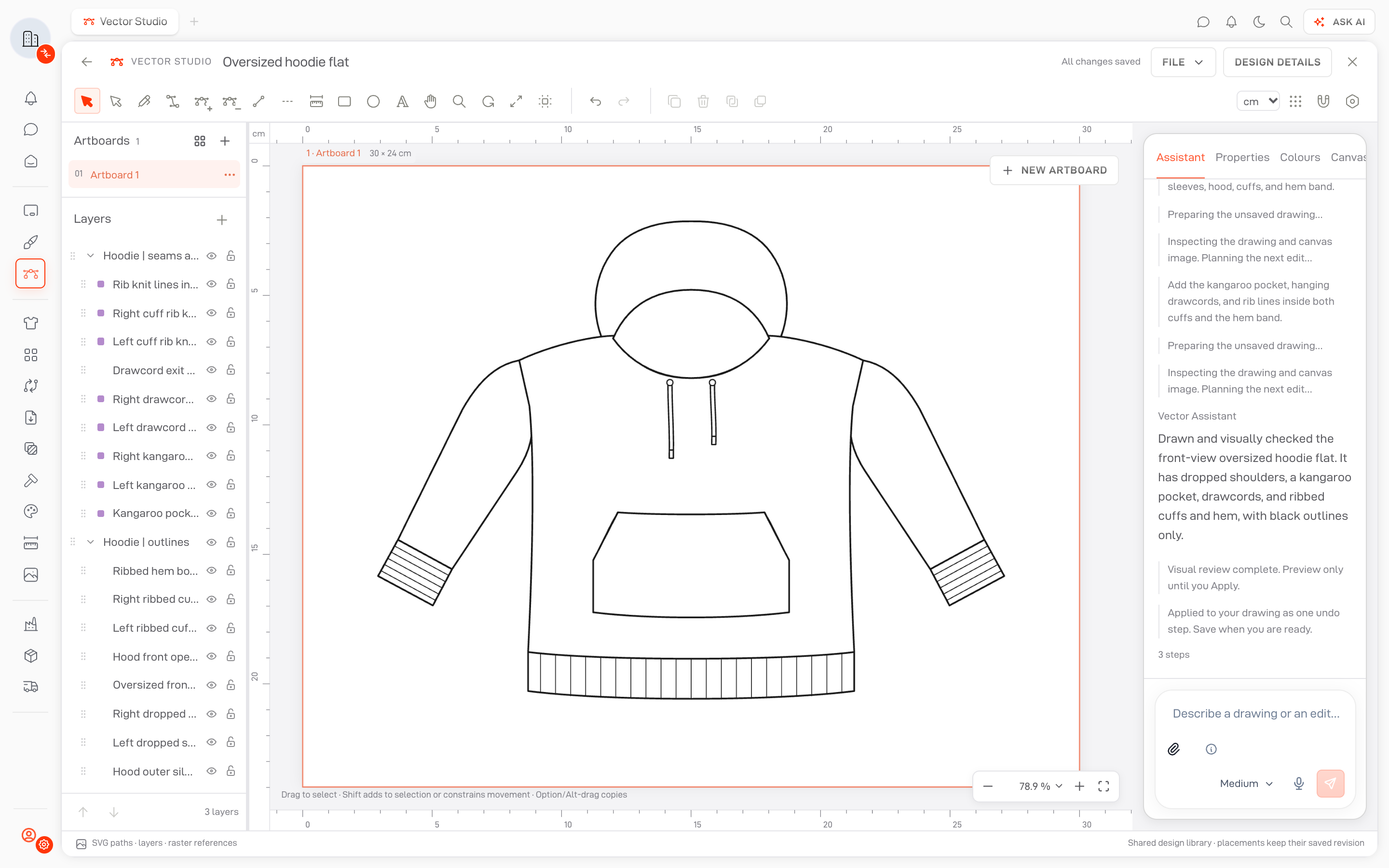
Work with paths, curves, shapes and layers, so the next change starts with the artwork you already have.
Describe a technical flat or a focused edit. Review the working preview before applying it to your drawing.
Organise saved designs into collections and categories, then return to an existing drawing when a style evolves.
AI-assisted drawing
Ask the Vector Assistant to draw a flat, adjust a curve, change colours or add stitching. Attach a reference when the request needs more visual context.
Changes appear in a working preview. Apply them, continue refining, or discard them; an AI preview does not publish or approve a design.
Book a demo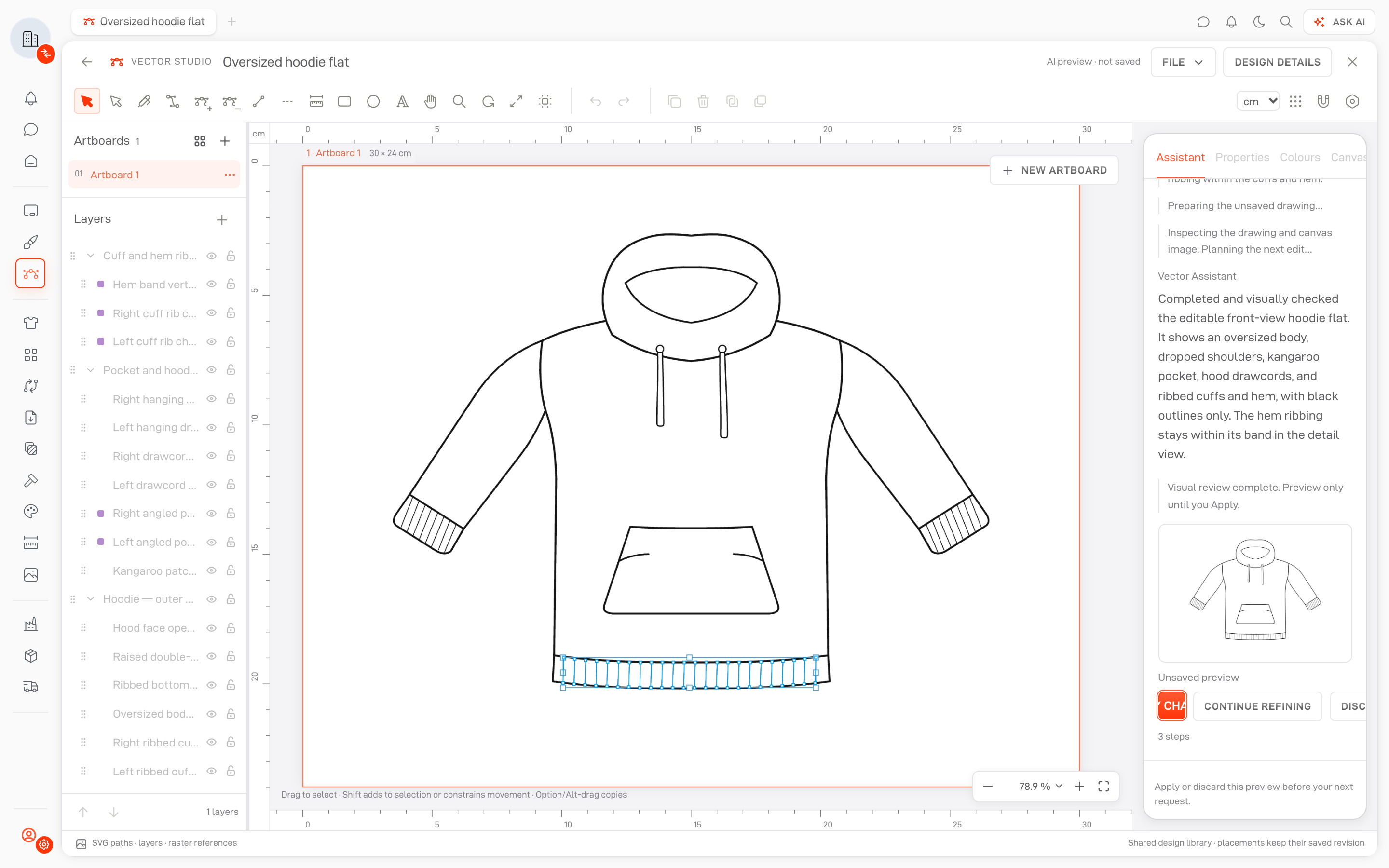
Vector editing tools
Shape the drawing with pen and anchor tools. Organise layers, adjust fills and strokes, and use artboards to keep related views together.
Undo and redo edits as you work. Import supported SVG artwork to continue an existing design, or export an SVG when you need a portable vector file.
Shared design library
Keep saved vector designs in a searchable library with collections and categories. Reopen a drawing instead of rebuilding the same artwork for every revision.
Keep design decisions close to the rest of your product-development work in Lifecycle.
Book a demo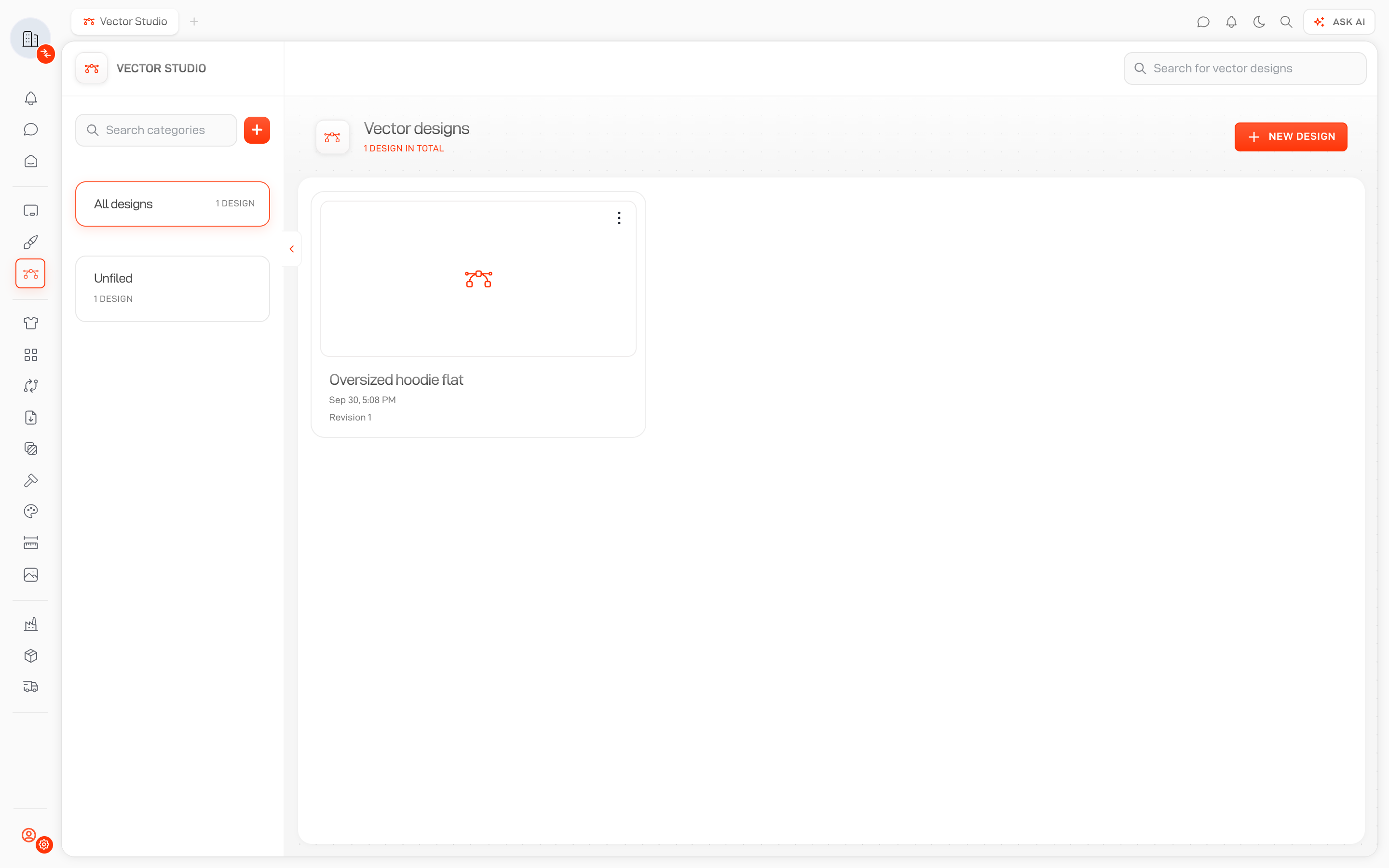
Buyer questions
Clear answers about where this workflow fits in Lifecycle.
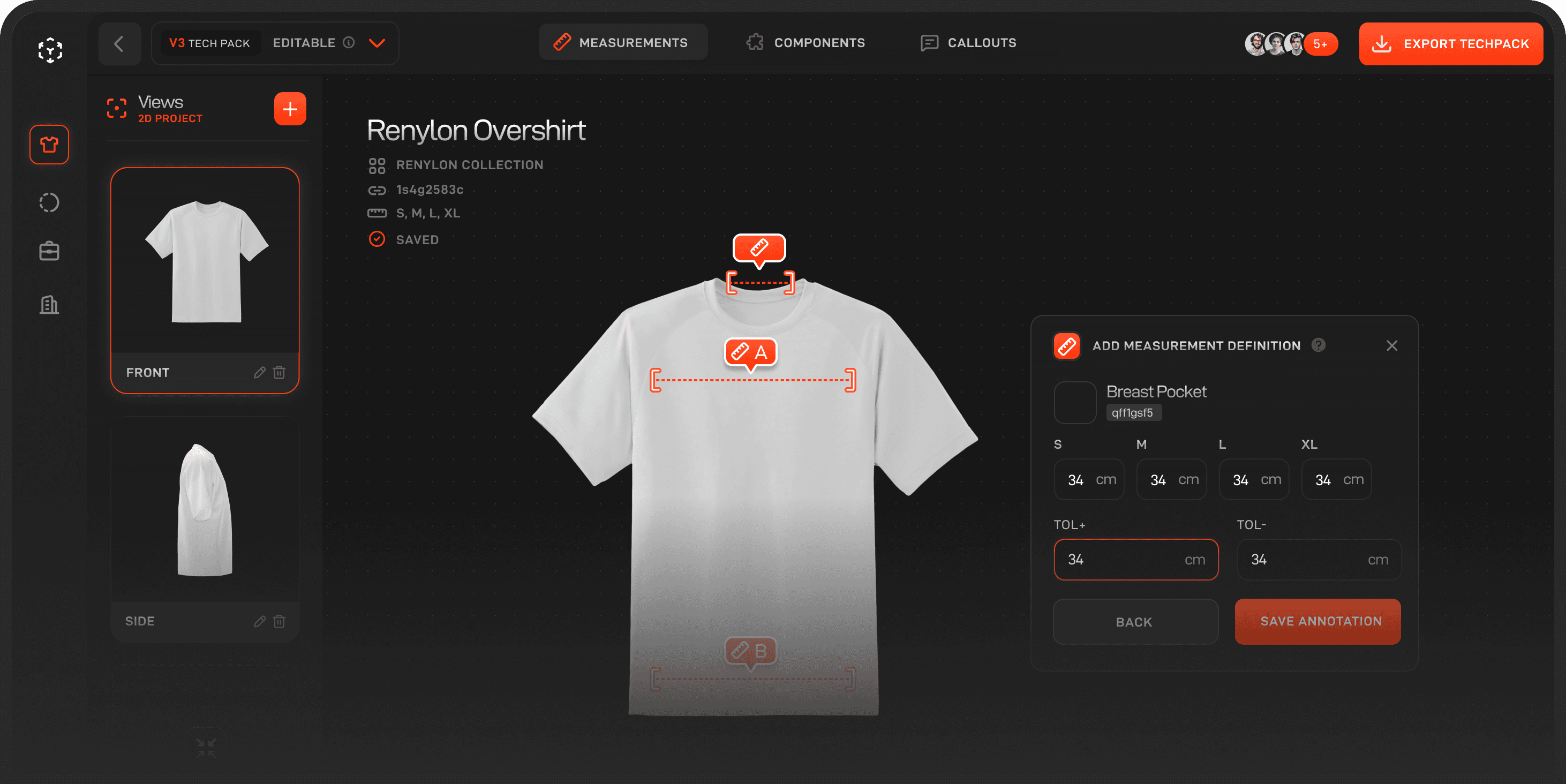
Vector Studio is Lifecycle's vector drawing workspace for fashion artwork. It combines an editable canvas, artboards, layers, vector tools, a saved-design library and an AI assistant.












See how one connected fashion PLM can help your team move from first idea to approved product with more speed, clarity, and control.