


Adobe Illustrator
Connect technical design work to the product-development and tech-pack workflow.
Fashion PLM integrations
Bring creative, commerce, and operational workflows into a connected PLM setup.
Discuss your integration needsConnector availability, account setup and supported data flows are confirmed before go-live. SAP and Open API connections are scoped custom implementations.
Connect technical design work to the product-development and tech-pack workflow.

Export 3D garment models from CLO3D and keep them available inside Lifecycle tech packs.

Keep colour workflows closer to the product information and decisions they support.
Push products, variants, suppliers and purchase orders to Centra, and read stock availability. Account setup and validation required.

Synchronise supported product information with Shopify, including multiple-store setups.

Support selected operational connector workflows when the required scope is confirmed.

Connect supported ERP and operational data flows through ApparelMagic, scoped to your implementation.

Push items, variants, vendors and draft purchase orders. Assembly BOMs need additional setup. Confirm account configuration and availability with our team.

Publish SKU products and suppliers, create purchase orders, and read inventory. Account authorisation, mappings and validation required.

Push suppliers, SKU products, assembly BOMs and purchase orders, and read inventory. Account-specific setup and validation required.

Connect products, variants, BOMs, suppliers and purchase orders through the Luminous connector, with account setup and scope confirmed for your team.

Custom connection. Work with our team to scope the SAP product, version, data mappings and workflows required for your implementation.
Connect ERP and other business tools through a data flow scoped to your implementation.

Connect Gmail so relevant email communication can be centralised alongside product and supplier work.

Connect Outlook so teams can bring relevant email communication into the shared product workflow.

Connect wider collaboration workflows through Slack, with the setup confirmed for your team.

Configure automations around connected product workflows using Make.

Configure supported workflow automations using Zapier and the systems around Lifecycle.

Use Lifecycle's MCP connection to bring relevant product context into supported ChatGPT workflows.

Use Lifecycle's MCP connection to bring relevant product context into supported Claude workflows.

Use Lifecycle's MCP connection to bring relevant product context into supported Gemini workflows.
Connection pattern
Start with the product information that needs to move, then choose the connection method that fits the workflow.
Use supported connections for workflows such as Adobe Illustrator, Shopify, Centra, selected ERP connectors, and AI assistants through MCP.
Connect ERP and other business tools through Lifecycle's open API, with the data scope agreed for your setup.
Map existing product data from Excel or another PLM into Lifecycle during onboarding.
Integration questions
See which workflows use built-in connections and where the open API can support a tailored data flow.
Yes. Lifecycle offers custom SAP connections. We scope the SAP product and version, available interfaces, data mappings, direction and required workflows with your team. SAP is a custom implementation rather than a standard self-service connector.
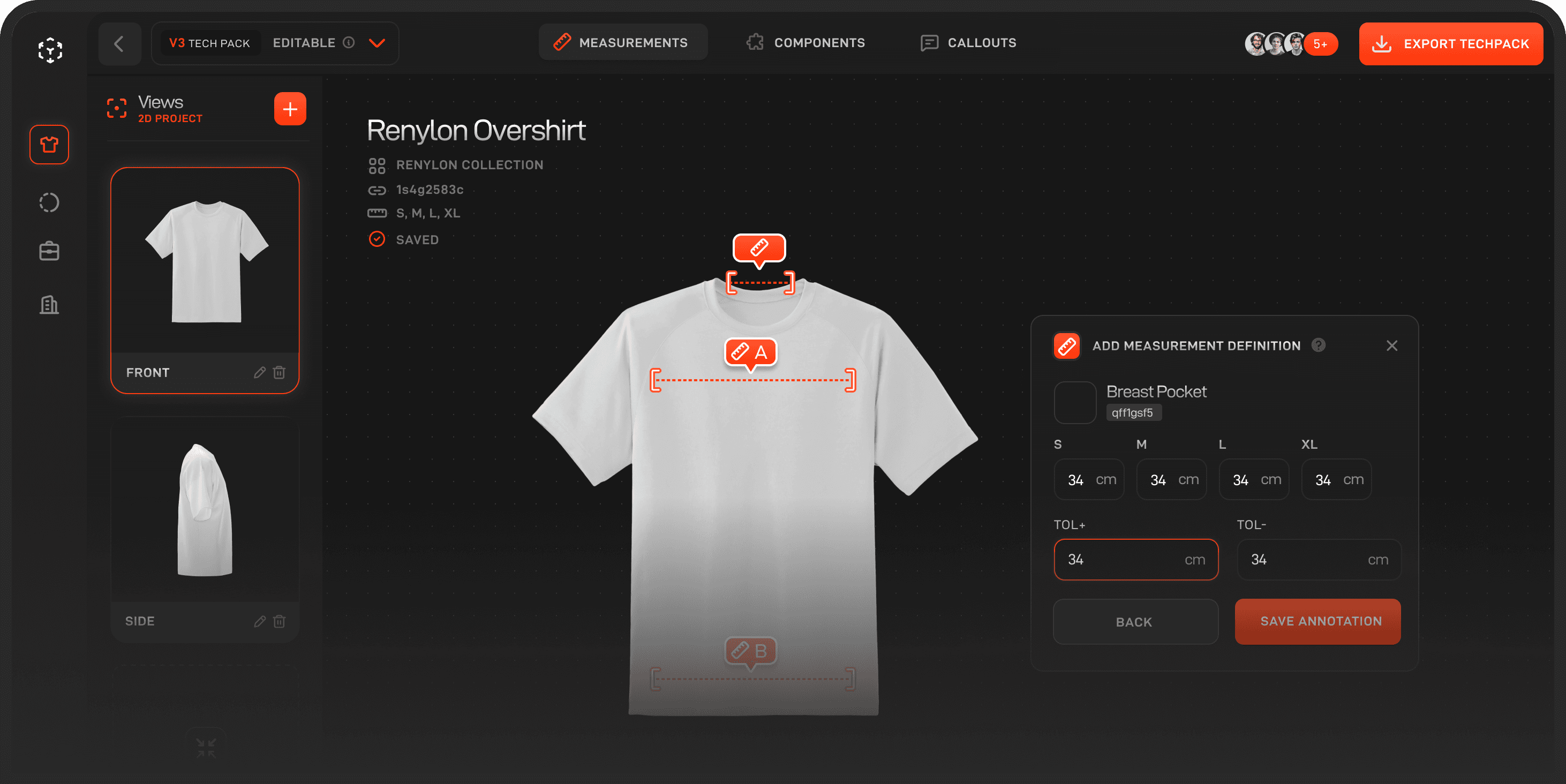
See how one connected fashion PLM can help your team move from first idea to approved product with more speed, clarity, and control.