
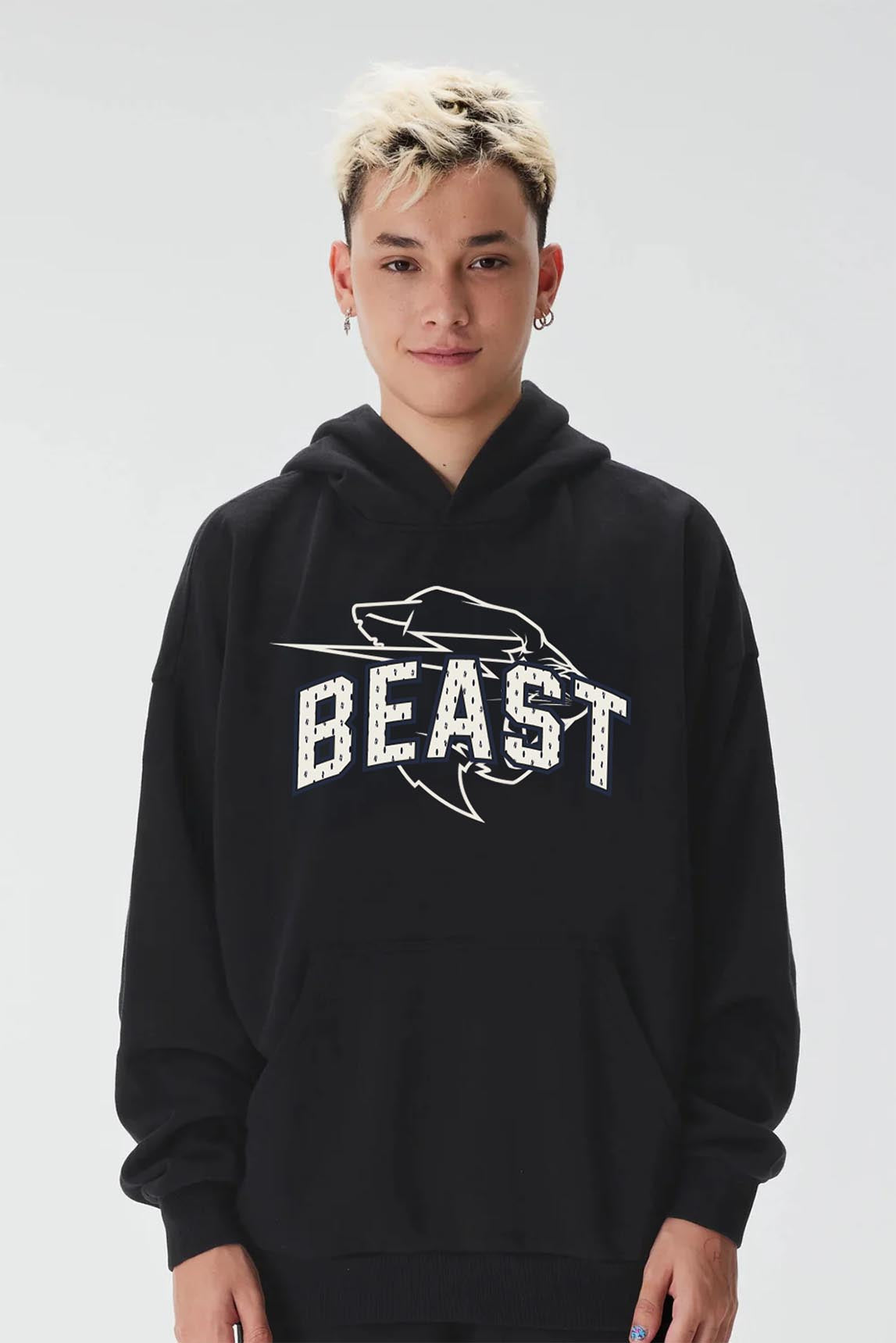
The MrBeast apparel team develops its products in Lifecycle. For designer Cate Cooper, who has worked in WFX, Flex and Centric, the appeal starts with how straightforward the platform feels.
I am loving how the system works. I've worked in many different PLMs - WFX, Flex and Centric - and this is so straightforward and clean!
Alongside that ease of use, the team has a practical priority: reusing work across styles and colourways. Product templates stood out to them, while the ability to copy costing scenarios addresses the repeated data entry involved in costing different colours.
Start the next style with a reusable product template
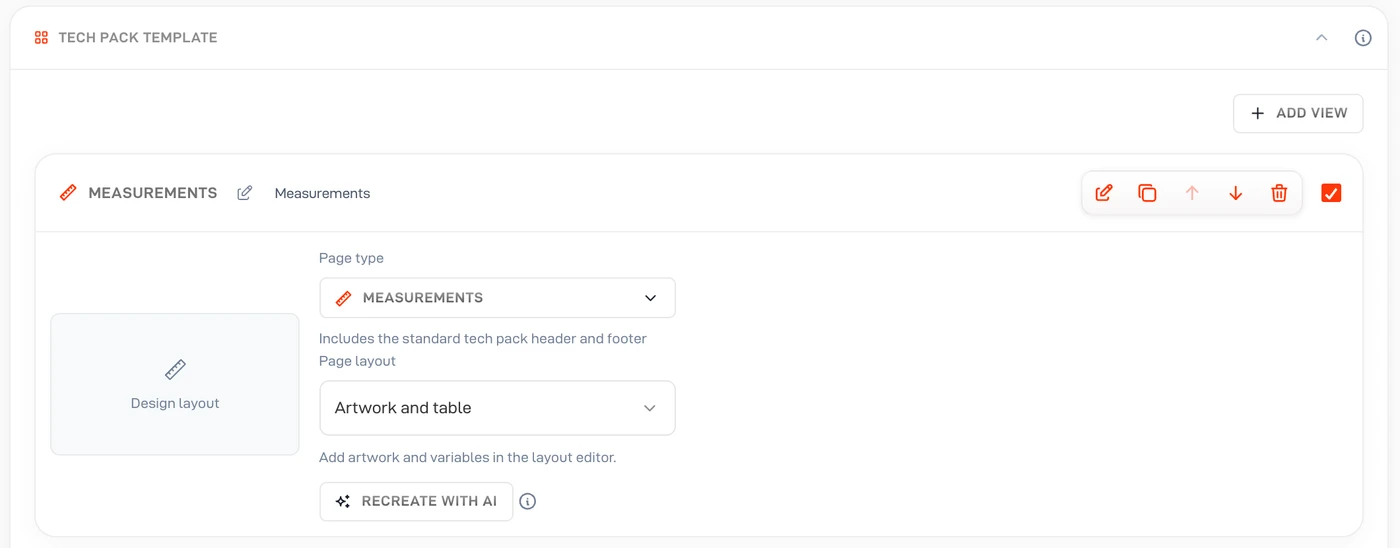
Product templates were a particularly good fit for the MrBeast team. Rather than keeping a product folder to duplicate each time, Lifecycle lets designers save a proper template and choose it when they create a new style.
A template can hold the size range, custom fields and tech pack views a team needs. Set up the measurement page and bill of materials once, then use that structure for the next product. Designers can spend their time on what changes between styles instead of rebuilding the same setup.
Carry costing work across colourways
Repeated costing entry across colourways was an important issue for the MrBeast team. Lifecycle’s duplicate costing scenario feature gives them a way to carry that work forward: set up the cost breaks for one colourway, copy the scenario to another, then adjust the details that differ.
A different fabric or trim may change the price, but it should not mean entering every unchanged line again. Each copy remains a separate scenario to review. Cost planning keeps those options with the product, where the team can compare them.
Manage the drop without opening every product
The collection view matters too. Lifecycle’s project card and list views let designers organise styles into drops and move between the collection and its individual products. Tech packs can be downloaded directly from a product card, so preparing a handoff does not require opening each product record.
Bring supplier quotes back to the product work
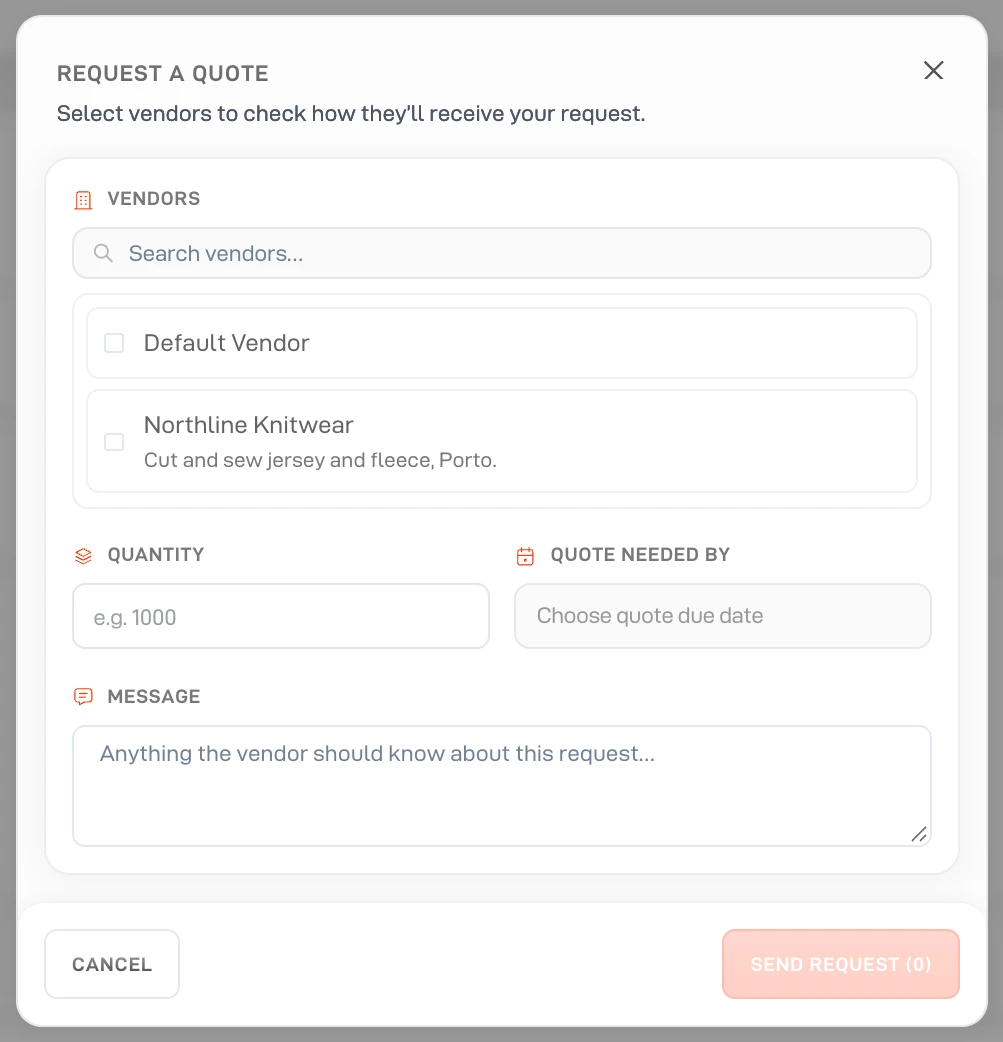
Lifecycle also lets teams send requests for quotes from a project and keep vendor responses there. They can specify the quantity, set a date for the quote and include a message for the supplier. The request and the response stay connected to the work the team is pricing.
A PLM that feels straightforward to use
For Cate, the clean interface is what stands out. For the wider team, reusable templates and costing scenarios address the everyday work behind each new style. These are practical features for designers who need to develop the next product without repeating the setup for the last one.
What could your team stop doing by hand?
Beyond templates and costing, Lifecycle gives teams tools for the changes that affect a whole collection. Bulk Edit updates fields across selected styles. Ask AI can find product information and propose changes to specifications, materials and measurements for you to approve. Tech pack links keep suppliers connected to the latest details, with visibility into who has opened them.
Want to see how this would work for your collection? Book a demo to explore product templates, costing and supplier quotes with our team.