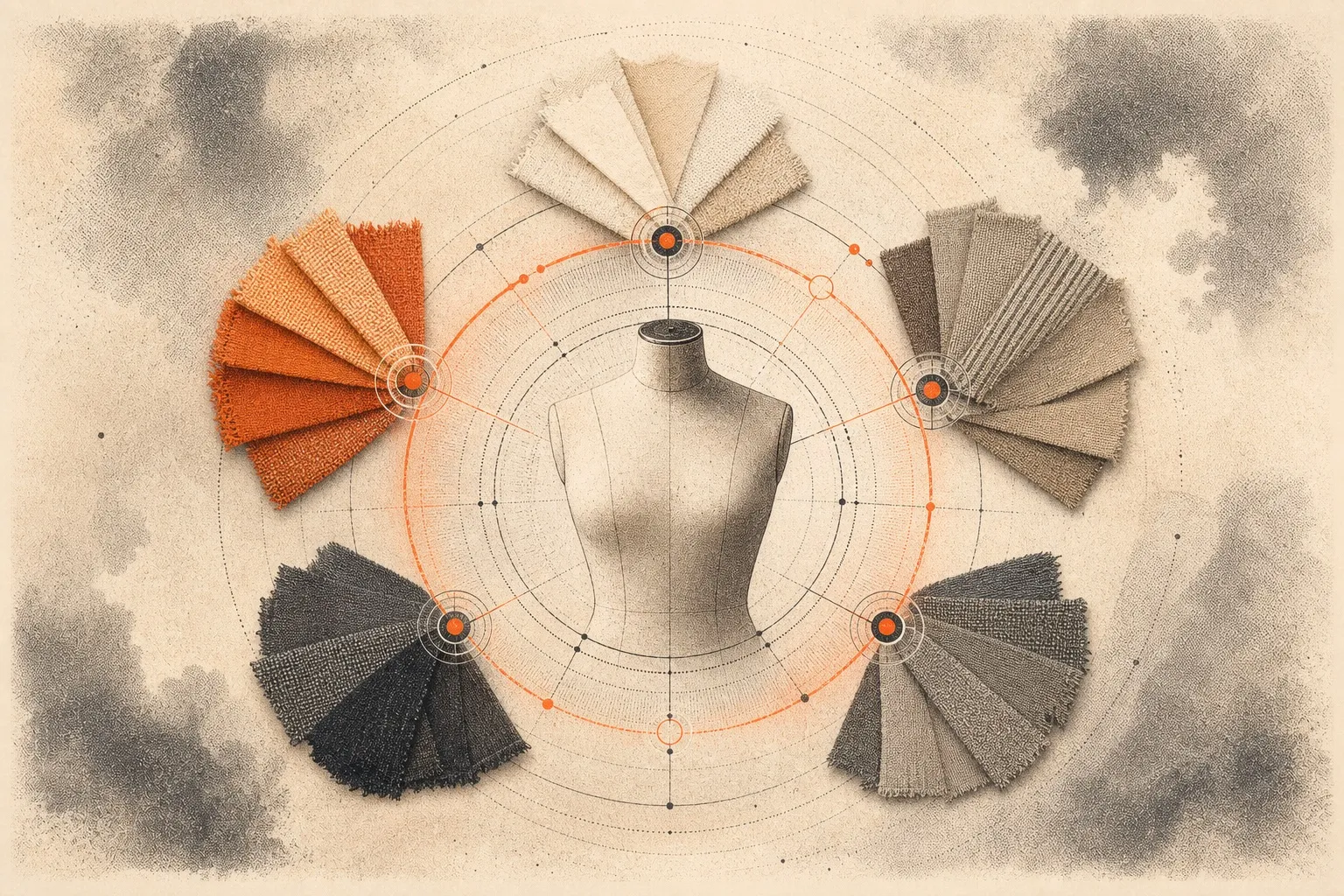

You want to start a clothing brand, but you cannot draw. This is a common hurdle. Many people think they need to be artists to make clothes. In the past, this was mostly true. Today, the world has changed. You can now build a professional tech pack) without any design skills.
A tech pack is a guide for your factory. It is like a blueprint for a house. It tells the makers every detail about your garment. It covers fabric, sizes, and stitches. This blog will show you three ways to make one. We will also show you why a PLM system is the best choice for your growth.
1. The Traditional Method: Spreadsheets and Software
The old way of making tech packs is still common. Designers often use tools like Excel or Adobe Illustrator. These tools are powerful, but they have a steep learning curve.
Many founders start with Excel or Google Sheets. They make a table for measurements. They list their fabrics in a column. They paste photos into the cells. This method is cheap, but it is slow. It is very easy to make a mistake. If you change a button on one page, you must manually change it on every other page. If you forget, the factory will get confused.
Professional designers use Illustrator to draw "flat sketches." These are 2D drawings that show the seams and shape of the garment. If you do not know how to use this software, it is very hard to learn. It takes months to get good at it. If you hire a designer to do this, it can cost a lot of money.
The traditional method requires you to manage many different files. You have one file for drawings, one for sizes, and one for costs. This makes it hard to keep track of your work.
2. Using Existing Resources: No Drawing Needed
You do not have to draw from scratch. There are many "short cuts" that look professional. These help you build a tech pack using things that already exist.
Many websites offer free "blank" sketches. You can find a basic t-shirt or hoodie outline for free. You download the file and add your notes on top. You do not need to draw the shirt; you just need to describe the changes you want.
A "block" is a standard pattern shape. Many systems offer libraries of these blocks. You can take a standard sleeve and put it on a standard body. It is like a digital puzzle. This ensures the proportions of your garment are correct.
This is the easiest way for non-designers. Find a piece of clothing you already own and love. This is your "reference sample." Take clear photos of it.
- Take a photo of the front.
- Take a photo of the back.
- Take close-up photos of the pockets or labels.
In your tech pack, tell the factory to follow the sample. You can say, "Make the fit like this photo, but add a zipper here." This gives the factory a physical goal. It removes the need for a perfect drawing.
3. Using a PLM: The Smart Way to Create
A PLM is "Product Lifecycle Management" software. It is a digital home for your brand. It replaces folders, emails, and spreadsheets. Using a PLM like **Lifecycle PLM** changes how you work.
Modern PLM systems have AI tools. These tools can help you generate ideas or sketches based on descriptions. You do not need to be an artist when the software can help you visualize your ideas. You can describe a look, and the system helps you bring it to life.
In the old way, you email the factory. Then you send a WhatsApp message. Then you have a PDF. Things get lost. In a PLM, everything is in one spot. The factory can log in and see the latest version of your tech pack. If you make a change, they see it instantly. This prevents the factory from making the wrong version of your garment.
A PLM helps you track your budget. As you add fabrics and buttons to your tech pack, the system calculates the cost. You can see your "landed cost" before you even start production. This helps you decide if a design is too expensive. It keeps your business healthy.
4. Why Choose Lifecycle PLM?
Lifecycle PLM is built for modern brands. We know that not every founder is a trained designer. Our platform makes the tech pack process simple and fast.
We skip the complex menus found in old software. Instead, we give you a clean space to organize your ideas. You can manage your Bill of Materials, your size charts, and your factory chat in one window.
- Easy Organization: No more searching through old emails for a photo.
- Speed: Create a full tech pack in minutes, not hours.
- Accuracy: Our templates guide you so you never miss a detail.
- Professionalism: Send your factory a PDF that looks like it came from a major fashion house.
You have the vision for a great brand. Do not let a lack of drawing skills hold you back. You can turn your ideas into a real business today.
Would you like to see how it works? [**Book a demo with Lifecycle PLM today**] and see how easy your design process can be.
Conclusion
Building a clothing brand is about your vision and your drive. You do not need to be a master artist to see your ideas on a store shelf. By using the right tools and simple methods, you can bridge the gap between a concept and a finished product. Whether you start with a photo of a favorite shirt or use a pre-made template, the goal is to be clear. Clear instructions lead to better samples, less waste, and a faster path to your first sale. Lifecycle PLM is here to make that journey smooth for you. Our platform takes the stress out of the technical side of fashion. You can manage your costs, talk to your factory, and build pro tech packs all in one place. Do not let a lack of design skills stop your progress. Take control of your production today and watch your brand grow.